Introducing the Evidence Agent
Give everyone on your team an agent that answers questions and builds insights using the knowledge in your Evidence project.

The Evidence Agent is available today in Evidence Studio, Claude and ChatGPT.
Every data team is being asked to deliver a capable analytics agent to its organization.
We expect the analytics agent will become the most important data product in every organization.
We have a pretty specific view of how the best data products are built and maintained. They are defined in code, managed in a repo, and developed by humans and coding agents together.
So, that’s how the Evidence Agent works as well.
Understands Your Project
The Evidence Agent can read and interpret every report and dashboard that its user can access. The reports your data team maintains become context for the agent, and that context improves as your project grows.
Evidence projects are machine-readable. The Evidence Agent can read report definitions, translate them into their underlying SQL, and even interact with filters. It uses popularity and other signals to find prior art and use it as a starting point for new analysis.
The agent ties new analysis back to relevant reports and dashboards so that users can build on the work that has already been done in your organization.
Builds Insights
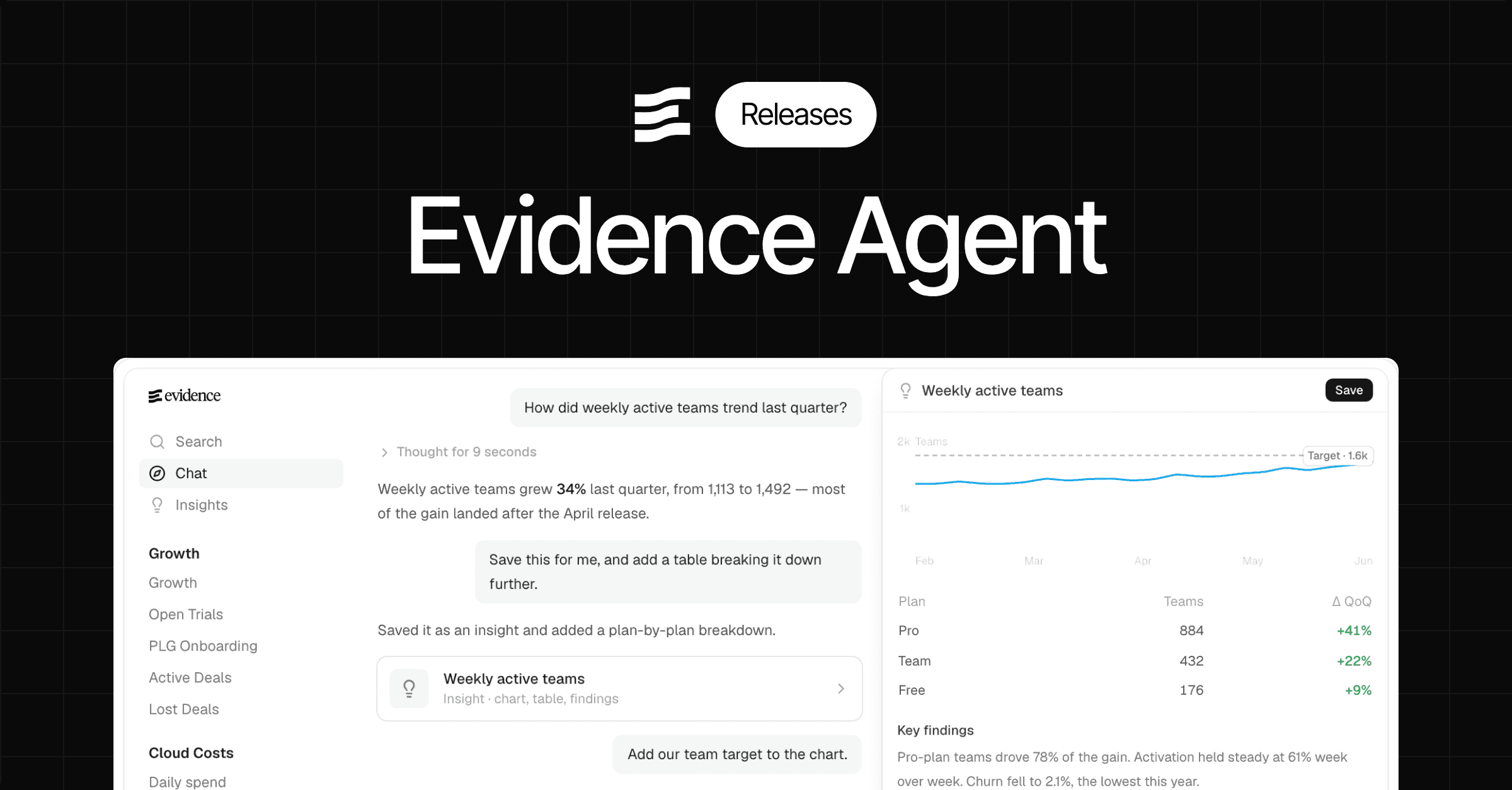
The Evidence Agent enables users to create and share their own reports and analyses, which we call insights.
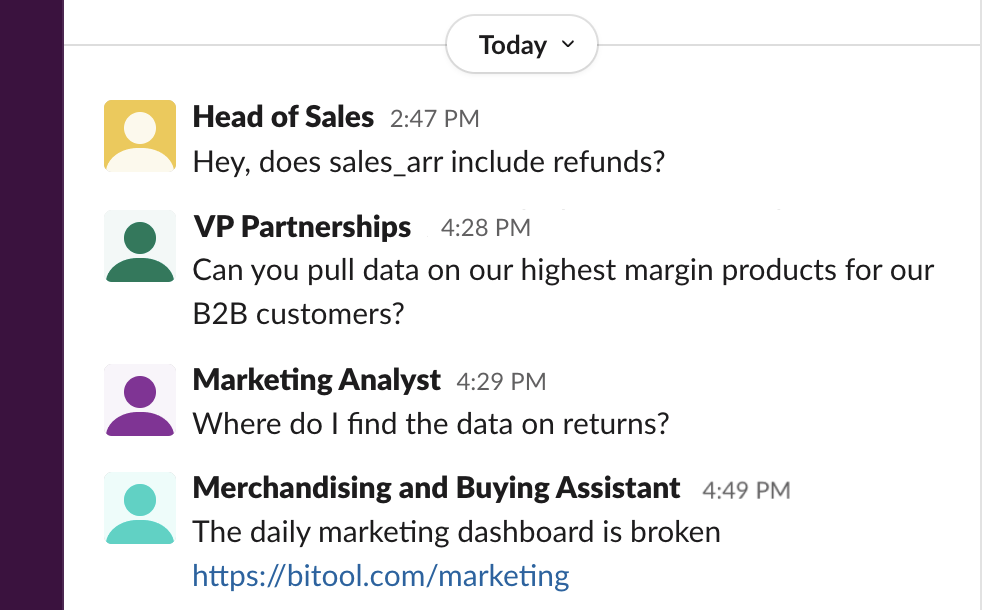
Every day, we talk to data teams facing a growing wave of vibe-coded content from across their organizations: HTML artifacts and one-off React apps built in Claude Desktop and other tools.
Someone in finance or operations has a question, opens Claude Desktop and forty minutes later has a working HTML artifact or React app. They do not need to submit a ticket or wait for another round of changes to a dashboard.
This change in behavior seems mostly good, and the benefits to users are undeniable. It is also not going to stop.
For data teams, however, these things are a bit of a nightmare. The analytical logic is buried in JavaScript. Incorporating the useful parts into a dashboard means building them again in the dashboarding tool. Each application needs to reproduce the organization’s access controls (or not!). They are also built without knowing which reports already exist, which definitions the company has agreed on or which analysis has already been completed.
The Evidence Agent builds insights in Evidence Markdown. They include a distilled version of the original prompt so they can be regenerated in the future. Users can save insights, share them, and branch off of them to produce new analysis.
Your users never have to see or think about the code. But, when you’re asked to review an insight the underlying code is terse and readable to a SQL analyst. Almost all of the code describes the analysis, rather than the presentation.
Because insights are built in the same language as the rest of your project, their contents can be smoothly incorporated into an existing report or dashboard. There is no need to rebuild the content from scratch.
Context
Reports and dashboards don’t contain everything the agent needs to know. Company targets, business processes, the org chart and the product changelog often live elsewhere.
You can provide any type of information to the agent through context files stored in your project’s repo.
Because the context is in code, it can move through the same development process as the rest of the project. You can change it on a branch, inspect the agent’s behavior in a deploy preview and merge it when you are satisfied.
Because it is stored in a repo, coding agents and automated processes can generate, extend and maintain that context. This does not depend on Evidence building a new integration. Any process that can write markdown to a repo can update your agent’s context.
Skills
The Evidence Agent supports the open Agent Skills format.
Many complicated dashboards and data apps are attempts to encode an analytical process in an interface. As user requirements accumulate, the interface fills up with filters, inputs and drill-downs. Over time, covering the varied requirements degrades the usability of the app.
Skills let you encode the analytical process directly while leaving users able to steer it.
Each skill lives in its own folder and is defined by a SKILL.md file. It can specify the follow-up questions the agent should ask, the steps it should complete and even the UI it should use to present the result.
A customer health skill, for example, can ask which account the user wants to review, clarify whether they want the whole buying group or just the specific sub-account, generate the approved UI needed to present the results, and then invite the user to branch off further.
Security and Access
The Evidence Agent runs in the same runtime as the rest of your Evidence project.
It uses the authentication and access controls already configured for your project, including row-level security, page-level access control and SSO. The agent can only access content and data that the current user is permitted to see.
Those controls continue to apply whether the user accesses the agent through Evidence Studio, Claude Desktop or ChatGPT.
There is no second permissions system to build and no separate application to secure.
A Self-Serve Experience We Believe In
Despite decades of investment in query builders and drag-and-drop dashboarding tools, the BI industry has never produced a self-serve interface that non-technical users adopt at scale.
To our eyes, agents offer the first self-serve interface that actually works since Excel.
The Evidence Agent connects that interface to reports, context, analytical processes and access controls maintained by the data team.
It’s available today in Evidence Studio, Claude and ChatGPT.